

Table of Contents


How to Optimize Alt Text in SEO the Right Way?
Image Alt Text Best Practices for SEO
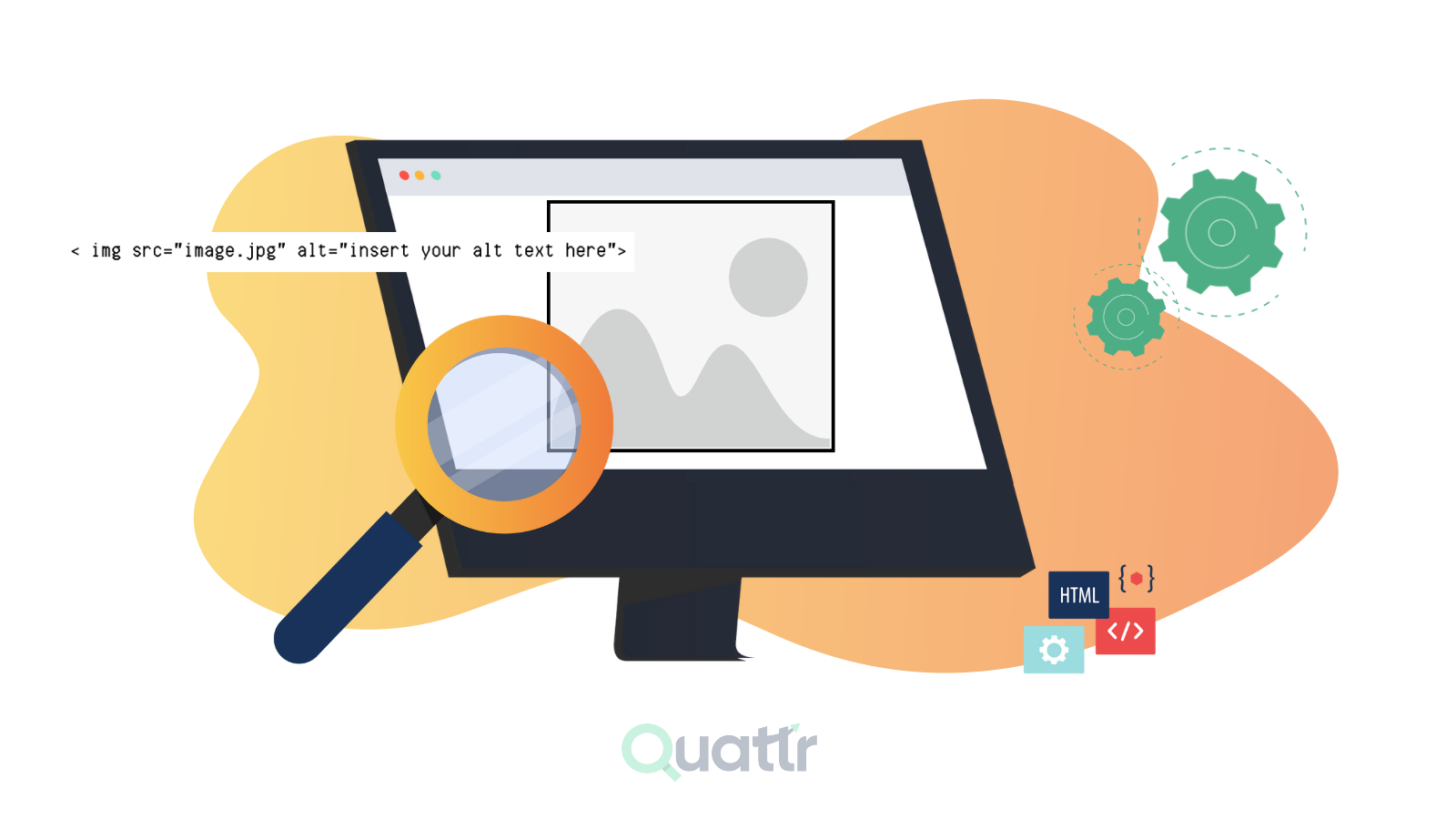
Images make your blog posts and product pages more engaging and easier to understand. But simply adding images is not enough if you want them to help with SEO. This is where SEO alt text becomes important.
Alt text and SEO work together by helping search engines understand what an image is about while also improving accessibility for users who rely on screen readers. When you add clear and descriptive alt text, it strengthens the overall message of your page and can also improve your chances of appearing in image search results. In this guide, you’ll learn what SEO alt text is and how to optimize it the right way.
Table of Contents
6.
7.
8.
10.
What does Alt Text mean in SEO?
Alt text, or alternative text, is a brief description added to an image in the HTML code of a webpage. It explains what the image shows so that screen readers can describe it to users with visual impairments. If an image doesn’t load, this text appears in its place.
From an SEO perspective, alt text also helps search engines understand the content of an image and how it relates to the page. Its main purpose is to improve accessibility while giving search engines clearer context about visual elements.

What Are Alt and Title Attributes in an Image Tag?
In an HTML image tag like image description, the alt and title are attributes that provide extra information about the image. The alt attribute (alt text) describes what the image is about, helping search engines understand the content and allowing screen readers to explain the image to visually impaired users.
The title attribute adds a small tooltip that appears when someone hovers over the image with their mouse. While both add context, alt text is more important for accessibility and SEO, because it directly helps search engines and users understand the image if it cannot be seen.
Alt Text Examples
Example 1: An image showing a group of students sitting in a classroom, listening to a lecture.
Alt text: Students engaged in a lecture in a classroom setting.
Why this example is good:
1. The alt text is concise and descriptive, providing a clear understanding of what is depicted in the image.
2. It uses keywords that are relevant to the content of the image, such as "students," "lecture," and "classroom."
3. It avoids using generic phrases like "image of" or "photo of."
Example 2: An image showing a person using a wheelchair to access an accessible ramp.
Alt text: A person in a wheelchair using an accessible ramp to enter a building.
Why this example is good:
1. The alt text is specific and accurate, describing the exact action being performed in the image.
2. It uses inclusive language, avoiding ableist stereotypes or assumptions.
3. It highlights the accessibility features of the environment.
Optimal Alt Text Format
The optimal format for image alt text includes the following elements:
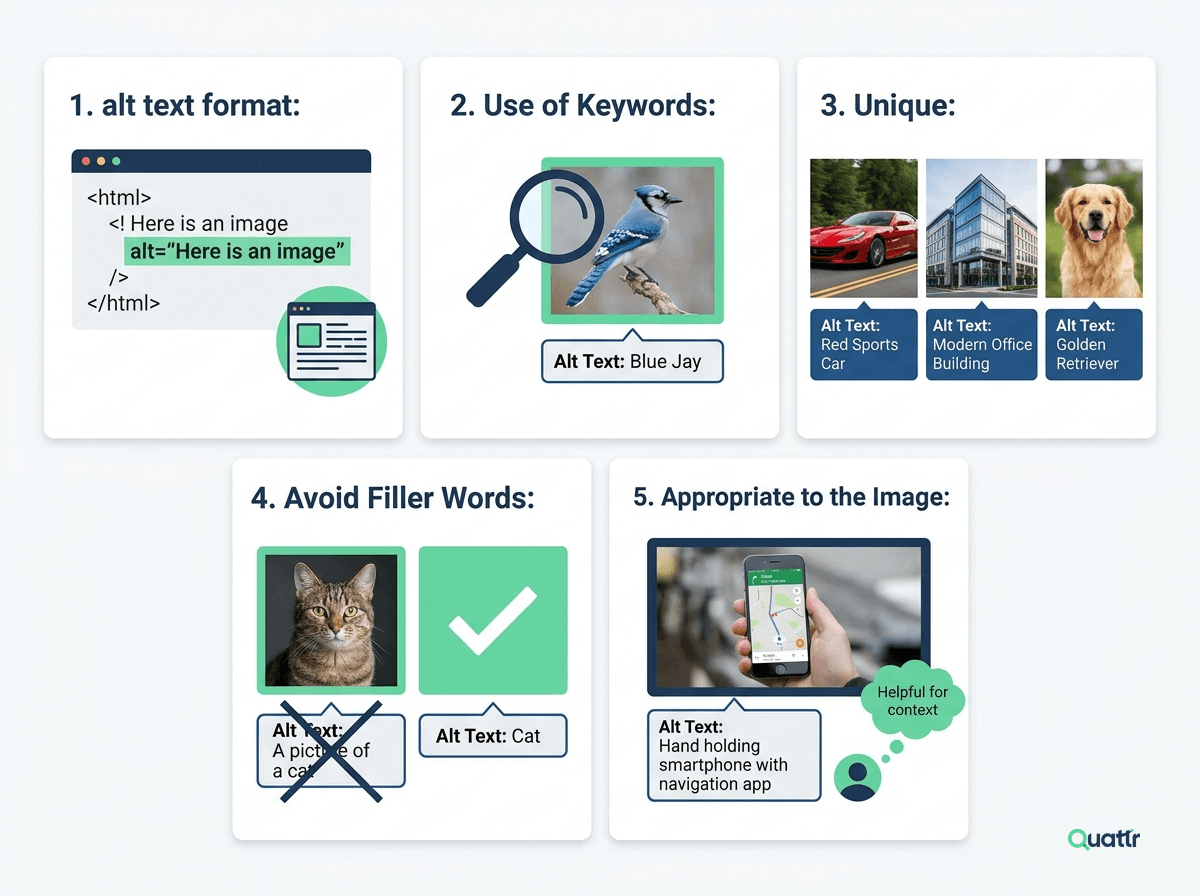
1. Description: The alt text should be a clear, concise, and accurate description of the image. It should aim to accurately represent the content and function of the image within the context of the specific page.
2. Use of Keywords: For SEO, it's crucial to use relevant keywords in your alt text. However, avoid keyword stuffing because it might be penalized by search engines. Keywords should be added naturally within the context of the image.
3. Unique: Each image alt text should be unique to the specific image. Do not copy and paste the same alt text into multiple images.
4. Avoid Filler Words: Avoid using unnecessary words like "Image of" or "Picture of" in the alt text. Screen readers inform users that they're reading an image, so this becomes redundant.
5. Appropriate to the Image: If your image is a functional image used to trigger some activity (like a submit button), then the alt text should describe the function, not the image content.
Remember, the purpose of alt text is two-fold: to make web content accessible for visually impaired users and to help search engines better understand the content of your images.
Image Alt Text vs Image Caption
People often keep their image alt text & image caption or title text the same, but these two attributes serve different purposes. Let us understand the difference between both of them:
Why is Alt Text Important?
Alt text (alternative text) plays an important role in making websites accessible and SEO-friendly. It helps screen readers explain images to visually impaired users, allowing them to understand the content of a page. At the same time, search engines use alt text to understand images, which can improve image rankings and bring additional traffic.
Why alt text matters:
Accessibility: It helps people with visual or cognitive disabilities understand what an image represents.
SEO Benefits: Clear and descriptive alt text helps search engines index images and improve visibility in search results.
Backup Information: If an image fails to load, the alt text appears instead so users still understand the context.
Compliance with Standards: Adding alt text supports accessibility guidelines such as WCAG.
Better User Experience: It ensures users can understand the purpose of images in different situations, even when images are disabled, which supports the broader goal of strong user experience across your site.
How to Write Alt Text: Best Practices
Keep it short and clear, usually one simple sentence is enough.
Focus on the main idea of the image, instead of describing every small detail.
Avoid phrases like “image of” or “picture of.”
Mention the type of image if it’s a logo, illustration, painting, or cartoon.
Don’t repeat text that already appears near the image on the page.
Write it like a normal sentence and end it with a period.
Identify & Add Missing Alt Text With Quattr
In conclusion, image alt text is indispensable in both accessibility & SEO. It enhances the usability of websites for visually impaired users & individuals with image-loading issues.
Incorporating relevant, concise, and informative alt text helps search engines understand the context & relevancy of images, leading to improved visibility and ranking.
However, manually checking your CMS for missing alt texts can be cumbersome, time-consuming, and error-prone. This is where Quattr becomes your valuable assistant.
The Quattr SEO platform effortlessly analyzes your web pages and shows your score against each image alt text. The score ranges from 1 to 100, with the 100 being most optimized. You can check the score against each image & can add and optimize your image alt text.
While Quattr can help optimize SEO & accessibility for your website, you can optimize your alt text right now. Use our free AI image alt text generator to get keyword-rich, relevant alt images. This tool allows you to generate SEO-friendly image alt-text suggestions within seconds.
With Quattr, not only can you ensure your website adheres to accessibility guidelines, but you can also optimize your content & improve your SEO ranking.
Analyze & Generate SEO-Friendly Image Alt Texts With Quattr
Request a DemoFAQs
Does alt text help SEO?
Yes, alt text directly helps SEO by giving search engines textual signals to understand and index your images accurately. Without alt text, Google's crawlers cannot interpret visual content, meaning your images are effectively invisible to search algorithms. Well-written image alt text improves eligibility for Google Image Search, drives additional organic traffic, and reinforces the topical relevance of your page, strengthening its rankings for related queries.
How do you write alt text for images for SEO?
Effective SEO image alt text should describe the image specifically and accurately in under 125 characters, incorporating relevant keywords only where they fit naturally. Avoid phrases like 'image of' or 'picture of' since screen readers already announce images. For example, instead of 'a dog,' write 'a golden retriever puppy running across a sunlit park lawn.' Never keyword-stuff, descriptive, conversational language serves both search engines and accessibility best.
Is alt text a ranking factor for Google?
Alt text is a confirmed on-page SEO signal that influences how Google indexes and ranks images in both web and image search results. While it is not a standalone ranking factor in the same way as backlinks, it contributes to a page's overall semantic relevance. Every image without descriptive alt text is a missed opportunity to reinforce your content's topical authority and improve visibility in image search.
What is the difference between alt text and an image title tag?
Alt text describes image content for screen readers and search engine crawlers and is essential for both accessibility and SEO image alt text optimization. An image title tag, by contrast, appears as a tooltip when a user hovers over an image and carries significantly less SEO weight. Both attributes can include relevant keywords, but alt text is the higher priority it directly impacts indexability, accessibility compliance, and page relevance.
Should decorative images have alt text?
No, decorative images should not have descriptive alt text instead, use an empty alt attribute (alt="") so screen readers skip them entirely. Decorative images add visual interest but convey no meaningful information, making descriptive alt text unnecessary and potentially disruptive for visually impaired users. From an SEO perspective, leaving the alt attribute empty for purely decorative elements keeps your alt text strategy focused on images that genuinely support content relevance.
About The Author

About Quattr
Quattr is an AI-native Search Visibility Platform founded in Palo Alto, California, built for mid-market and enterprise brands competing in the age of generative search. Recently recognized across G2’s Spring 2026 reports with #1 rankings in AEO Results, Usability, and Relationship, Quattr helps brands win visibility across traditional search and AI-generated answer surfaces.
Quattr’s AI agent, GIGA, evaluates content the way AI systems do, identifying gaps across structure, authority, internal linking, and discoverability to surface the highest-impact fixes. With capabilities like autonomous internal linking, E-E-A-T intelligence, and the new GIGA Landing Page Generator for keyword-matched, AI-search-ready pages, Quattr helps teams move from diagnosis to deployed changes without manual bottlenecks.

Read More


Ready to see how Quattr
can help your brand?
Try our growth engine for free with a test drive.
Our AI SEO platform will analyze your website and provide you with insights on the top opportunities for your site across content, experience, and discoverability metrics that are actionable and personalized to your brand.